Set Up Your Emulator for the Best Gaming Experience
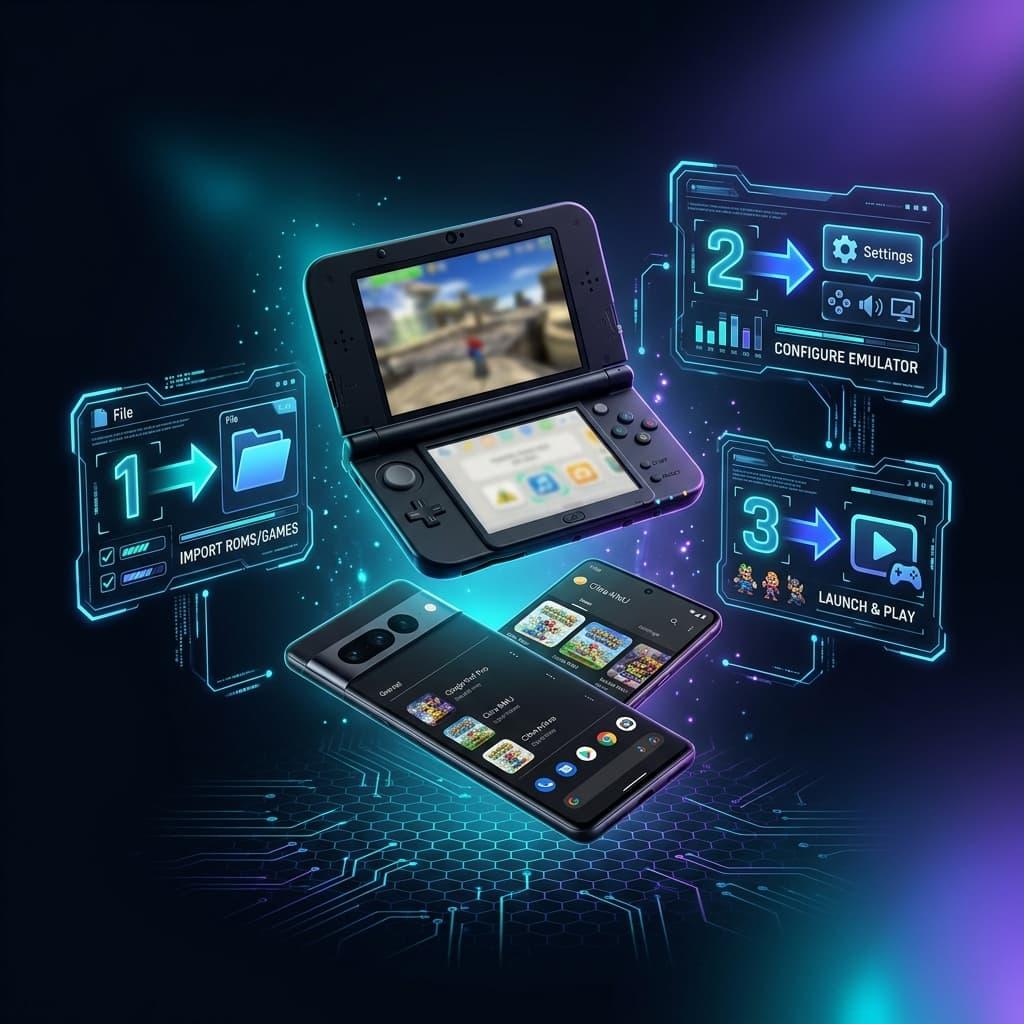
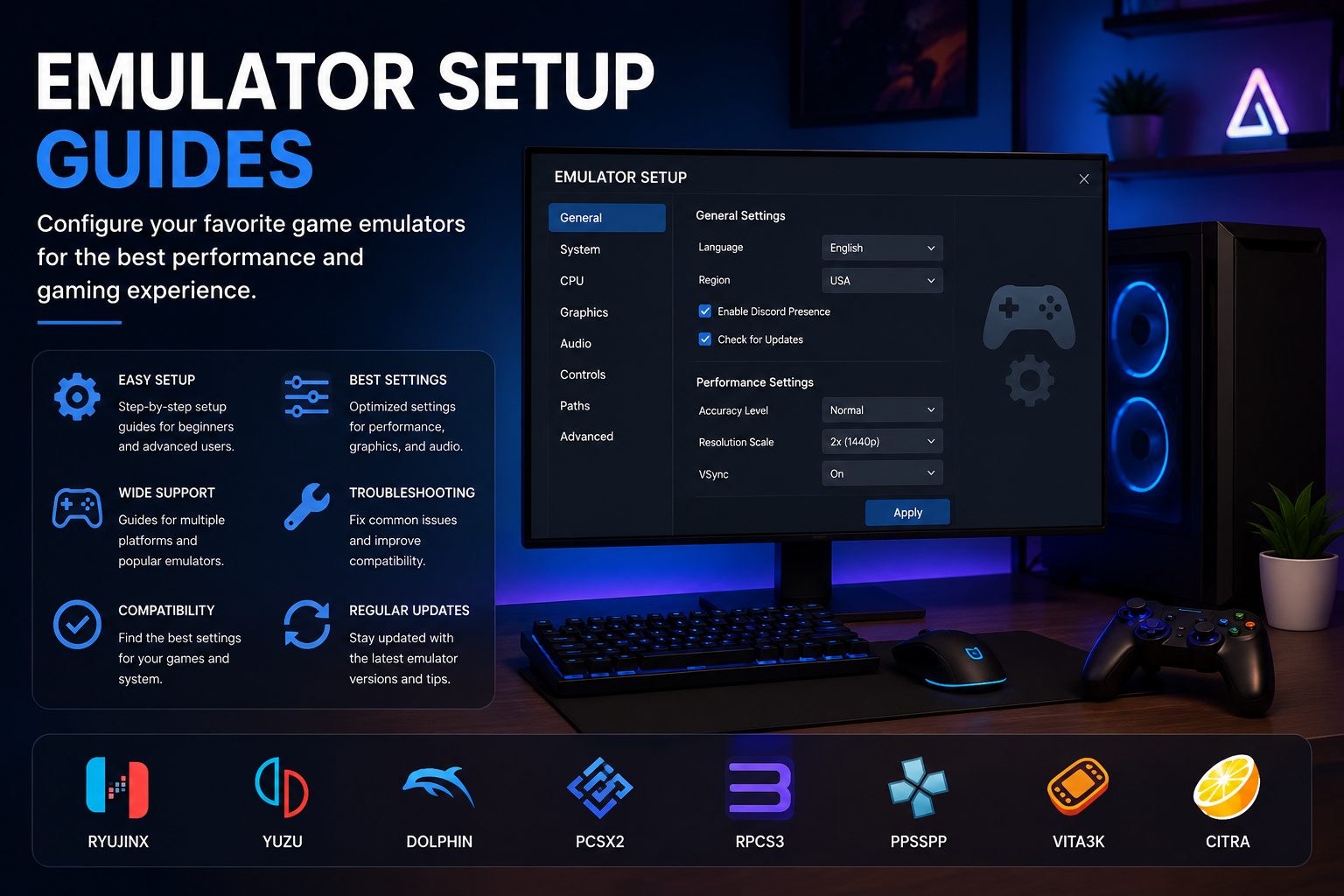
Choosing the right emulator is only the first step. Proper configuration plays an important role in game compatibility, performance, graphics quality, and overall stability. Whether you’re playing Nintendo Switch, PlayStation, PSP, or other console games, a well-configured emulator can significantly improve your gaming experience.
At APKMARA, we provide emulator setup resources designed to help players understand the basic configuration process before launching their favorite games.
Supported Gaming Platforms
Our emulator setup resources cover many popular gaming systems, including:
- Nintendo Switch
- Nintendo Switch 2
- Nintendo 3DS
- Nintendo Wii
- Nintendo GameCube
- Nintendo 64
- PlayStation
- PlayStation 2
- PlayStation 3
- PlayStation 4
- PlayStation Portable (PSP)
- PlayStation Vita
Each emulator has its own configuration process depending on the platform and operating system.
What You’ll Learn
Our setup resources cover topics such as:
- Initial emulator installation
- Controller configuration
- Graphics settings
- Audio configuration
- Performance optimization
- Save data management
- Game compatibility
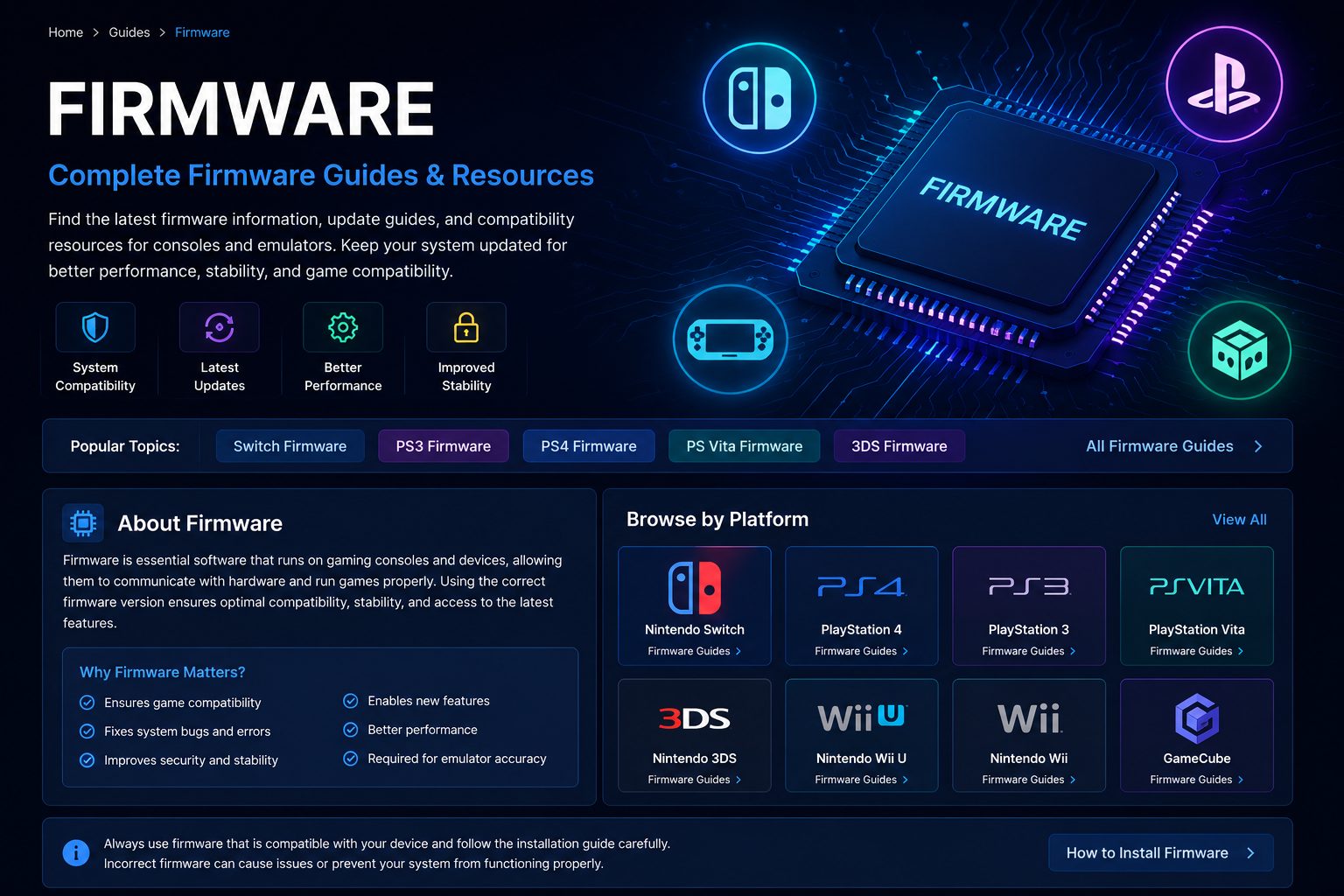
- Firmware requirements
- Recommended system settings
These best practices help players build a stable emulator environment before installing games.
Popular Emulators
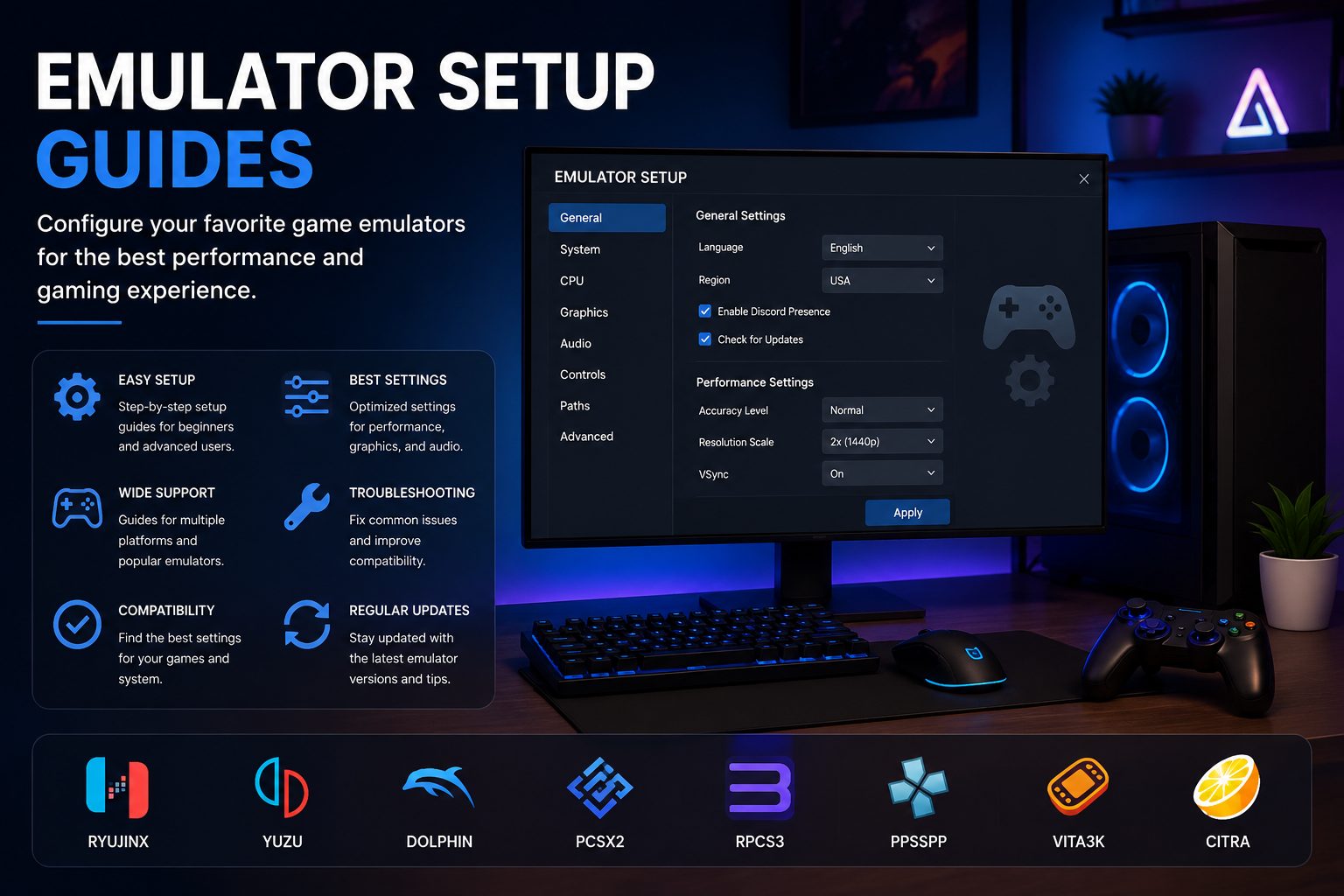
APKMARA covers setup information for many widely used emulators, including:
- Ryujinx
- Yuzu
- Dolphin
- Citra
- Lime3DS
- Project64
- DuckStation
- PCSX2
- RPCS3
- PPSSPP
- Vita3K
- shadPS4
Each emulator offers unique features and configuration options depending on the platform it supports.
More Emulator Setup Guides Coming Soon
APKMARA continues to expand its emulator resources with platform-specific setup guides, recommended settings, troubleshooting articles, and optimization tips. As new emulators and updates become available, additional tutorials will be added to help players get the best possible gaming experience.